A wrong Remote ID serial fails the match between the drone and the FAA inventory row. Record the serial for the Standard Remote ID drone or the broadcast module, and use the recreational or Part 107 steps on the FAA page.
On the FAA Remote ID page, last updated 19 March 2025 and read from the copy saved 11 October 2026, a drone that must be registered, or that is already registered, has to operate under the Remote ID rule. The page includes recreation, business, and public safety. List the serial number of each Standard Remote ID drone. When a broadcast module is the Remote ID equipment, list that module’s Remote ID serial number. Recreational flyers register once and can keep more than one device on that inventory. Part 107 registration gives each Standard Remote ID drone or broadcast module its own registration number. A character count or prefix from one manufacturer stays with the aircraft that source names.
Key points:
- Write the device type before you write the serial. Standard Remote ID and a broadcast module are different rows.
- Copy the Remote ID serial from the place that source names: the device, a controller menu, or the manufacturer instruction.
- Recreational and Part 107 inventories do not use the same listing rule. Confirm which dashboard you are on.
- If the opened source does not say whether the aircraft serial and the Remote ID serial are the same number, leave the Remote ID cell blank.
- An airspace authorization is a different filing. Use the 0-foot grid authorization checklist for that request.
Independent explainer: this site is named after the domain once used by the First Responder UAS Triple Challenge and is not its organizer, NIST, or a university. Nothing here is an FAA approval, a registration receipt, or a legal opinion.
Which device’s serial goes on the inventory?
The serial you list is the Remote ID serial of a Standard Remote ID drone, or the Remote ID serial of a broadcast module. The FAA page defines Remote ID as the ability of a drone in flight to provide identification and location information that other parties can receive through a broadcast signal.
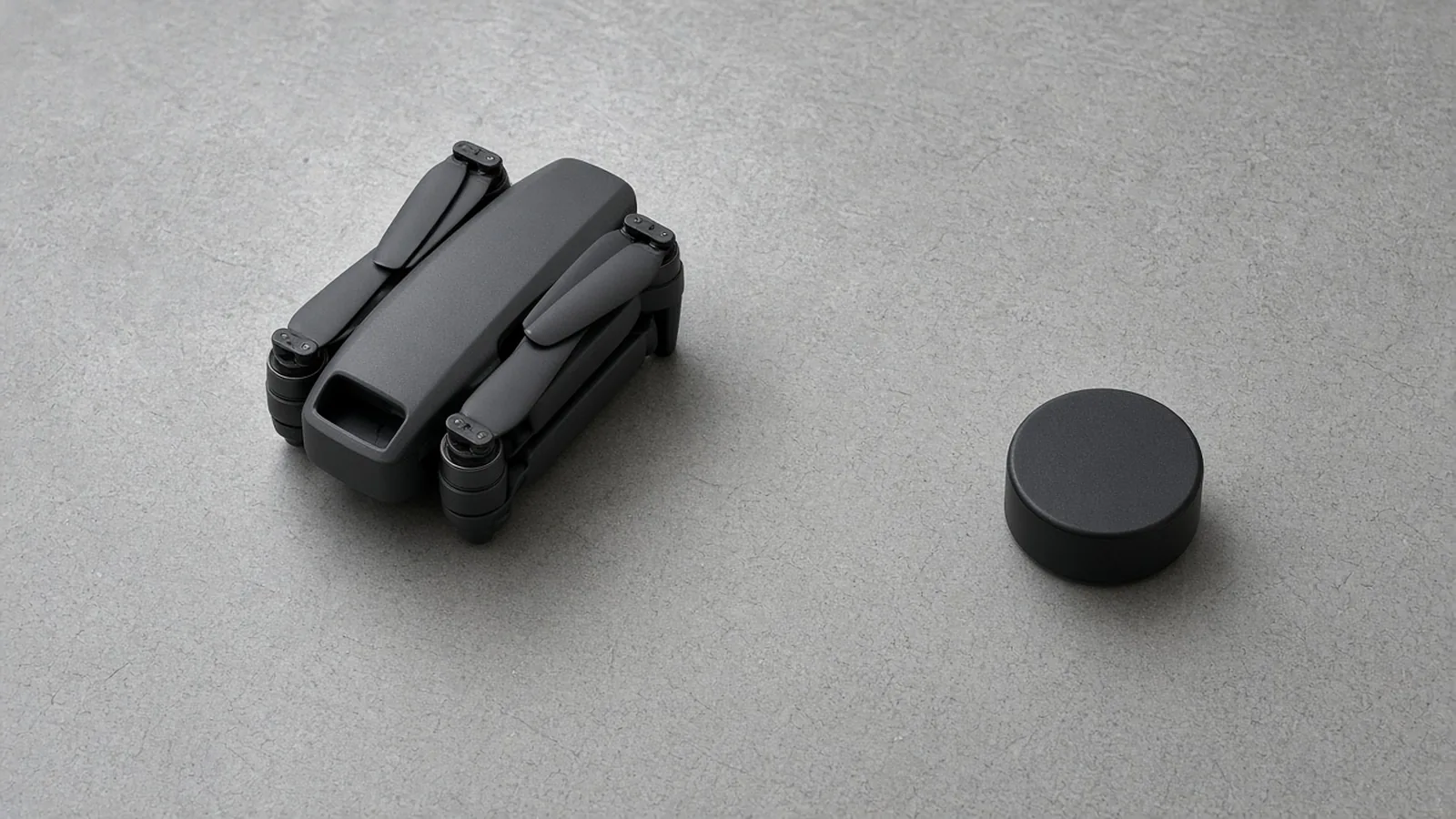
A folded quadcopter and a separate black module on a gray table.
| Standard Remote ID drone | Broadcast module | Not yet known | |
|---|---|---|---|
| What the FAA page says it is | Produced with built-in Remote ID broadcast | Added to a drone to retrofit broadcast | |
| What that broadcast covers | Identification and location of the drone and the control station | Identification and location of the drone and its take-off location | |
| Sight sentence on this FAA page | The pilot must be able to see the drone at all times during flight | ||
| Serial you list | The serial number of that Standard Remote ID drone | The Remote ID serial number of the module | |
| Part 107 inventory | Register that drone as its own device. It receives its own registration number | Register that module as its own device. It receives its own registration number | |
| Recreational inventory | List each Standard Remote ID drone. One registration number can cover the inventory | For each drone without Standard Remote ID, list the drone’s make and model and the same module serial |
A third path on the same FAA page is a flight inside an FAA-Recognized Identification Area with no Remote ID equipment, within visual line of sight and inside that area. This worksheet is for aircraft you are putting on an inventory with a serial. It does not map those areas.
Before you add the device, the FAA page says to open the Declaration of Compliance system and see whether the drone or module is on an FAA-accepted declaration. Have the Remote ID serial with you. If the drone or module is absent from that list, the page says those submissions come from manufacturers. The operator row on this sheet records “not listed” or stays blank. It does not become a declaration.
Where do the opened sources say to read it?
The FAA page says a broadcast module’s Remote ID serial may be listed on the device. For a Standard Remote ID drone, it may be on the device, on the controller, or on a controller startup menu. Further guidance is the manufacturer’s. The two manufacturer pages opened for this audit do not share a format.
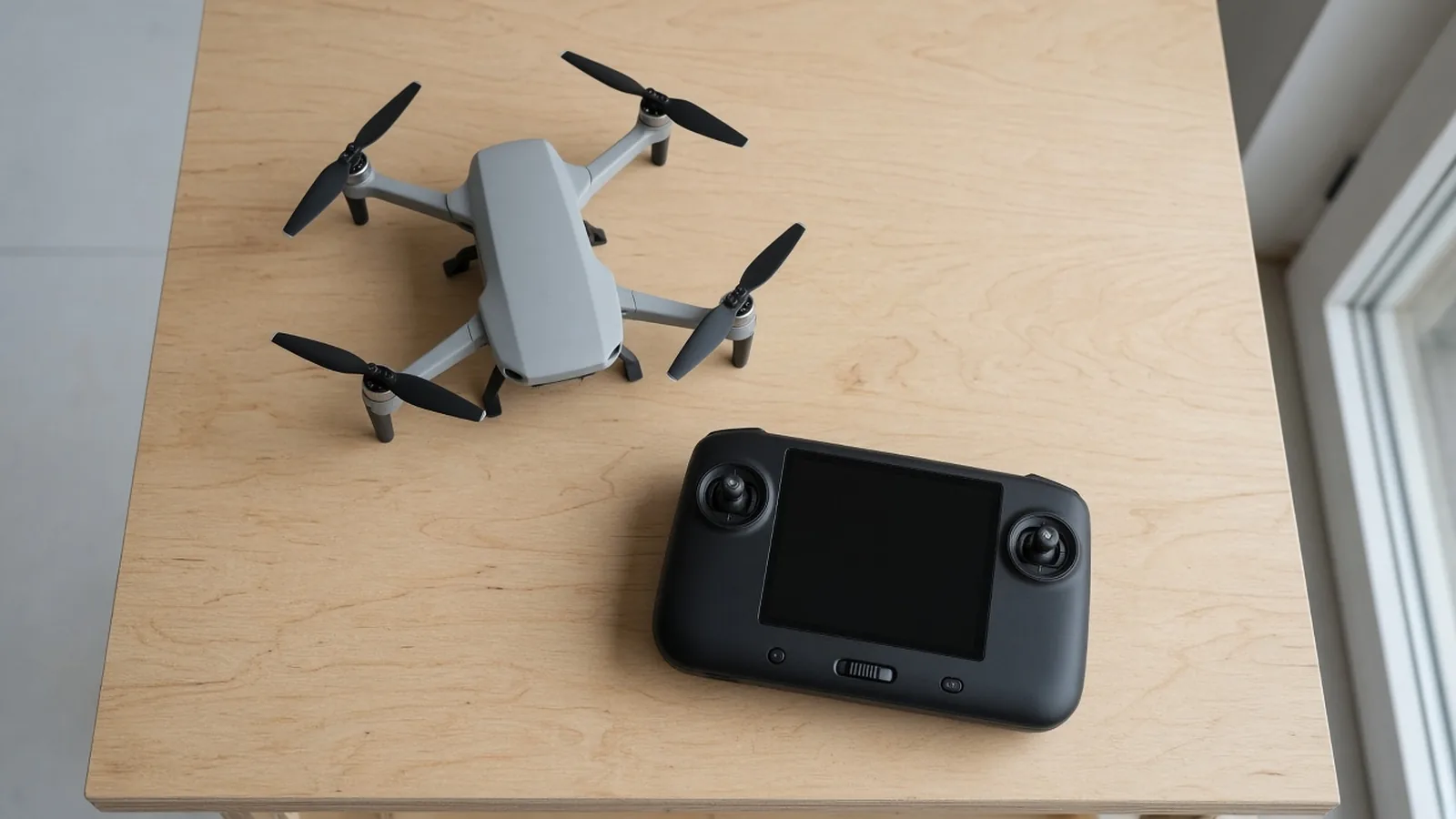
A quadcopter and a handheld controller with a dark screen on a wooden table.
| Source, checked 11 October 2026 | Aircraft that source names | Remote ID serial, in that source’s words | Stays with that source |
|---|---|---|---|
| FAA Remote ID page, last updated 19 March 2025 | No make or model | May be on the device, the controller, or a controller startup menu. A module serial may be on the device | No character count and no prefix |
| DJI FAQ | 20-digit alphanumeric serials always prefixed with 1581F. Named examples: Mavic 3 series, Mini 3 series, Avata, Matrice 30 series, Mavic 3 Enterprise series | The Remote ID serial is the same as the aircraft serial, and generally the same as the flight controller serial. DJI lists the box sticker, the battery compartment or elsewhere on the fuselage, and the DJI app | That prefix and that length |
| DJI FAQ | 14-digit alphanumeric serials. Named examples: Air 2S, Matrice 300 RTK, Agras T30. A later answer on the same page adds Agras T40 | The Remote ID serial is not the aircraft serial. Read it in a DJI app (the FAQ names DJI GO 4, DJI Fly, DJI Pilot, DJI GS RTK, and DJI Agras) or in the Wi-Fi “Available networks” list | The aircraft serial, which the FAQ says is a different number |
| Inspired Flight IF1200 page | The IFT aircraft in that registration note | Ten digits, provided by IFT, next to the QR code sticker on the top of the aircraft | That ten-digit instruction |
DJI’s Wi-Fi check is a separate display. The FAQ says that, with the motors running and a phone or tablet scanning nearby, a working broadcast can appear as the characters RID- followed by a 20-digit alphanumeric Remote ID serial. The registration answers above tell you which number to type for the series they name. Record which display you copied.
One Droneblog article, published 17 November 2023, describes the About page in DJI Fly. On an Air 2S the author saw a Remote ID serial there. On that author’s Mavic 3 the same menu did not show the field. The author wrote that DJI support expected compliant aircraft to show the number, and that a Wi-Fi scan still listed the Mavic 3. That is one aircraft in 2023. If the menu on the aircraft in front of you is empty, leave the Remote ID cell blank and record “app field empty” as the place you looked.
DJI’s FAQ also disagrees with itself about the Mini 4K. One answer says Mini 4K supports Remote ID, in a list with Mavic 4 Pro, Flip, Air 3S, Avata 2, Mini 4 Pro, Air 3, Avata, Air 2S, the Mavic 3 series, and the Mini 3 series. Another answer says Mini 2 SE and Mini 4K are not provided with the function, and names a FRIA or a third-party module on the FAA declaration list. Both answers are on the same FAQ. For a Mini 4K, leave the device-type cell blank until you check the current declaration list and the aircraft.
Other Mini lines on that FAQ, stated as DJI’s account:
- Mini, Mini SE, Mini 2, and Mini 2 SE: nominal takeoff weight under 249 grams, and the FAQ says they do not support FAA Remote ID.
- Mini 3 Pro: the FAQ says Remote ID works with either the standard Intelligent Flight Battery or Intelligent Flight Battery Plus.
- Mini 3: from firmware v01.00.04.10, the FAQ says Remote ID turns on only when Intelligent Flight Battery Plus is installed.
- Mini 4 Pro: for firmware v01.00.03.00, the FAQ says Remote ID turns on only with Intelligent Flight Battery Plus, and that it cannot be turned off while that battery is in use.
DJI says a Standard Remote ID aircraft that was updated in firmware and has no compliance identifier should carry the label ASTM F3411-22a-RID-B, legible, prominent, and permanently affixed. Newly produced aircraft in that FAQ already have an identifier before sale. The FAA page opened for this audit does not print that label string, so the label row applies to the DJI case the FAQ describes. For any other make, leave the label cell blank.
Which FAADroneZone path matches the registration?
Confirm the dashboard before you type. The FAA page splits the inventory by registration category.
Recreational flyers register once. The registration number applies to the devices listed in that inventory. During registration, list the serial number of each Standard Remote ID drone, the Remote ID broadcast module, or both. If one module moves across drones that do not have Standard Remote ID, each of those drones’ make and model has to be in the same inventory, and each of those rows uses that module’s Remote ID serial.
The recreational clicks on the FAA page, in its order: log in or create an account on FAADroneZone, choose “Launch Drone Owners and Pilots Dashboard,” stay on the Recreational Flyer Dashboard, open “Manage Device Inventory,” choose “Add Device,” answer “Yes” to the Remote ID question, choose “Remote ID broadcast module” or “Standard Remote ID” drone, enter the Remote ID serial number, and return to “Your Inventory.” When one module covers several drones without Standard Remote ID, the page says to select the broadcast module for each and to enter that drone’s make and model with the same module serial.
If you are replacing a drone that was listed without Standard Remote ID, the recreational section says you can cancel that older listing. In the inventory, open the three vertical dots under “Actions” and choose “Cancel.” The page says a canceled device remains in the inventory as “canceled.”
Part 107 is a separate device for every Standard Remote ID drone and every Remote ID broadcast module. Each device gets its own registration number. For a new Part 107 device, the page says: launch the dashboard, open “Manage Device Inventory,” choose “Add Device,” pick “Remote ID broadcast module” or “Standard Remote ID” drone, and if you are adding a module, list the drone’s make and model while you enter the module’s Remote ID serial, then continue registration.
For an existing Part 107 listing, the page’s edit steps are: open “Manage Device Inventory,” use the three vertical dots under “Actions,” choose “Edit,” change the Remote ID answer to “Yes,” and enter the serial from the updated Standard Remote ID drone or from the broadcast module.
The same FAA page also says that if you previously listed a drone and answered “No,” you create a new listing for that drone. The Part 107 section then describes editing an existing listing. Those are both on the page. On the worksheet, write which control the dashboard showed: new listing, or edit. If the screen shows neither, leave the action cell blank.
DJI’s FAQ, discussing the same registry, says you may be unable to update an existing drone with a Remote ID serial, and that you may have to add a new registration and then delete the old one. DJI also says online FAADroneZone registration is for a drone under 55 pounds, with mail as the other route, and that DJI agricultural drones may need mail. The opened FAA Remote ID page does not state the 55-pound line or a delete control. Where DJI and that FAA page describe different clicks, follow the control you can see, and write the source name in the action cell.
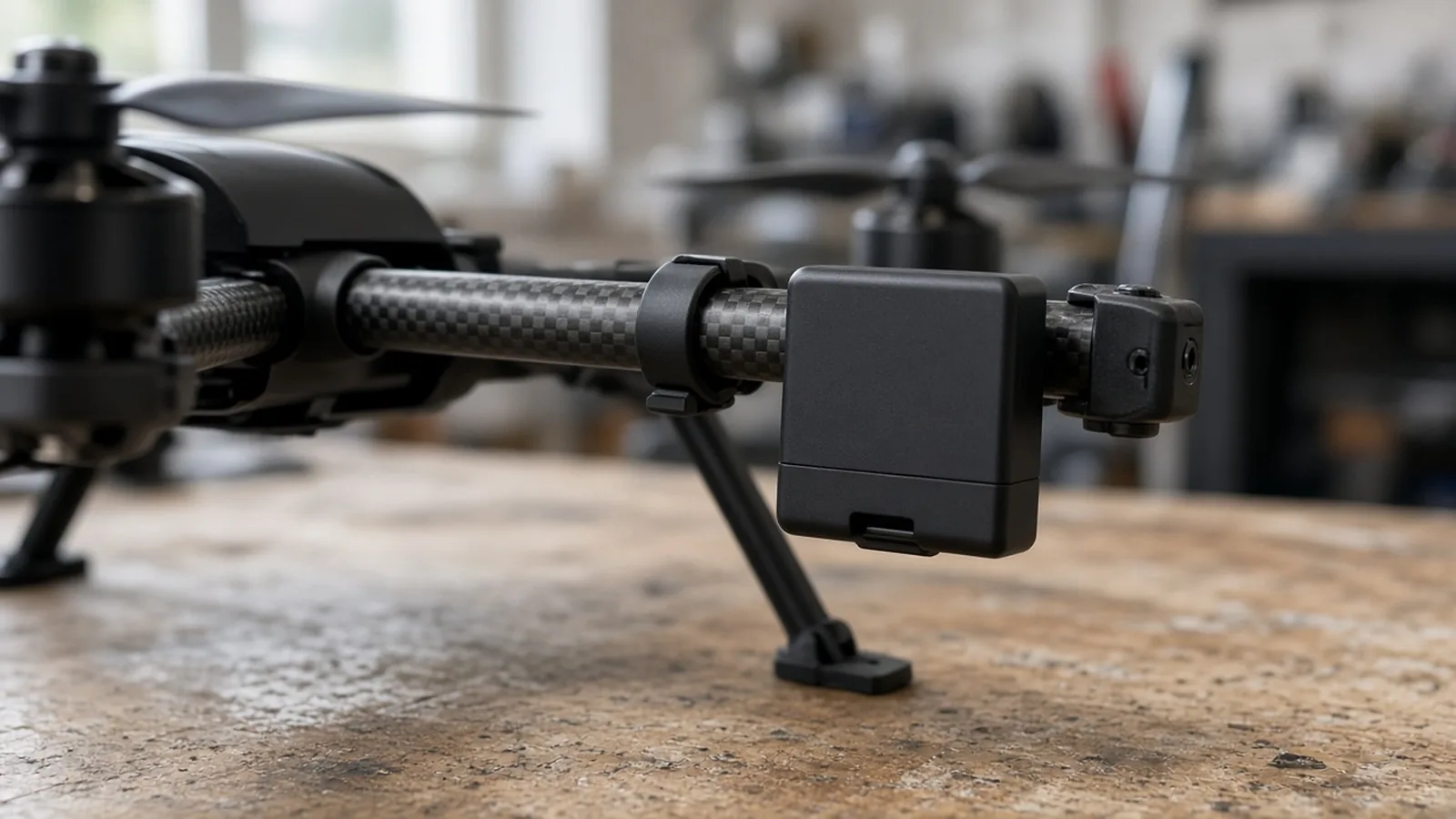
A small black module clipped to a drone arm.
What stays blank when the records disagree?
Copy one row per aircraft. An empty cell is the record that the fact is still unknown.
| Field | What to write | Record as not applicable when |
|---|---|---|
| Airframe make and model | The make and model you can point to on the aircraft or in the manufacturer document | You have not confirmed the model |
| Device type | Standard Remote ID drone, or Remote ID broadcast module | The declaration list and the manufacturer instruction are still unchecked. A Mini 4K stays blank until those two are checked, because the DJI FAQ conflicts |
| Declaration of Compliance | Listed, or not listed, plus the date you opened the FAA list | You have not opened the list |
| Where you read the Remote ID serial | Device label, controller menu, DJI app, Wi-Fi list, or the Inspired Flight top sticker, and the date | You have not read it. An empty app field is recorded as empty, and the serial cell stays blank |
| Remote ID serial | The serial that source tells you to enter for that device | The source does not name it, or you only have an aircraft serial on a model whose FAQ says the two numbers differ |
| Aircraft serial | Fill this only when the source says it is a different number from the Remote ID serial | The source says they are the same, or you do not know |
| Registration category | Recreational inventory, or Part 107 device | You have not confirmed the dashboard |
| Registration number | The number the registry assigns after the listing is accepted | The listing is unfinished |
| Earlier “No” listing | Recreational: new listing, and “Cancel” only if you use that control. The FAA page says the canceled row remains. Part 107: “Edit” to Yes, or a new listing if that is the control you used | The dashboard shows neither control |
| Session ID | The FAA page puts Session ID in the future tense. It says operators of Standard Remote ID drones may be able to choose between the Remote ID serial and a Session ID. Leave this cell blank |
Work the row in this order.
- Open the Declaration of Compliance list for this drone or module. If it is absent, record “not listed.” The FAA page says the operator does not file that declaration.
- Read the Remote ID serial from the place the matching row in the source table names. If this make is absent from that table, use the current manufacturer instruction and cite it in the “where you read it” cell. Until you have that instruction, the serial cell stays blank.
- On a recreational inventory, one module serial can repeat across drones that lack Standard Remote ID, with each make and model listed. On Part 107, each Standard Remote ID drone and each broadcast module is its own registration number.
- If an older listing answered “No,” write whether you added a new listing or used Edit. The FAA recreational text uses Cancel, and the canceled device stays visible as canceled.
- Leave Session ID empty. The sentence on the FAA page is about a later choice, and it is limited to Standard Remote ID drones.
When this audit does not apply
A flight with no Remote ID equipment inside an FAA-Recognized Identification Area is the FAA page’s third option, with visual line of sight and inside the area. This audit does not list those areas.
Some operators can ask the FAA for a Letter of Authorization to operate without Remote ID or to deviate from it. The page says the FAA issues those letters for aeronautical research or to show compliance with regulations, and that other operations, such as a drone light show under an FAA waiver, can also be eligible. The request address on the page is RIDAuthorizations@faa.gov. This sheet does not decide who is eligible.
DJI’s FAQ gives a weight line the opened FAA Remote ID page does not print. DJI says a drone of 0.55 pounds or less (under 250 grams), flown under the Exception for Limited Recreational Operations, does not need to be registered, and that such a flight may not need Remote ID. The same FAQ says that, under the sections it cites, a commercial flight is registered and follows Remote ID regardless of takeoff weight. Use DJI’s sentence as DJI’s account. The compliance sentence this audit takes from the FAA page is the one about drones that are required to be registered or that are already registered.
DJI and Inspired Flight both state calendar dates the opened FAA page does not reprint. DJI’s FAQ says the manufacturer deadline was extended to 16 December 2022, and the operator deadline was extended to 16 March 2024. Inspired Flight’s IF1200 page also says the operator date was extended to 16 March 2024, and it says an aircraft manufactured before 16 September 2022 could be flown without Remote ID until 16 September 2023, then extended to that March date. The FAA page, last updated 19 March 2025, says Remote ID is here and that pilots who must register, or who have registered, operate under the rule. This audit uses that page for the inventory steps. It does not treat the manufacturer dates as a new FAA deadline.
Inspired Flight’s page says its Blue UAS aircraft that hold a Defense Innovation Unit Authority to Operate are not allowed by the Department of Defense to transmit Remote ID. That sentence is about those Inspired Flight aircraft. It is not a registration result for the rest of a mixed fleet.
DJI says a built-in Remote ID broadcast on its aircraft starts when the aircraft has that function, is in United States airspace, and is in flight, which the FAQ defines as propellers turning. The FAQ’s questions about flying outside the United States, and about bringing an aircraft in from another country, have no answer in the copy opened for this audit. Leave those cells blank. Inspired Flight says its discussion of the ruling does not apply to operations outside the United States.
Reading someone else’s broadcast to identify a person is outside this page. The FAA page says Remote ID helps the FAA, law enforcement, and other federal agencies locate the control station when a drone appears to be flying in an unsafe manner or where it is not allowed to fly. That is the scope sentence. This article has no decode steps.
An airspace request is also outside this page. The 0-foot grid authorization checklist is the Part 107 route check for a zero grid. Registration of the aircraft is the inventory above.
Method and sources
This page is a worksheet compiled from public pages checked on 11 October 2026. No FAADroneZone listing was submitted, and no Declaration of Compliance list was queried live on the publication date. The saved FAA page is the 19 March 2025 update.
The inventory split, the button labels, the module serial rule, the cancel-and-remain rule, the Part 107 edit steps, the Session ID sentence, the FRIA sentence, and the authorization email are from that FAA page. DJI model examples, the 1581F and 14-digit distinction, the Wi-Fi “RID-” display, the ASTM label string, the Mini battery conditions, the Mini 4K conflict, the 0.55-pound recreational sentence, the 55-pound online-registration sentence, and the 16 March 2024 operator date are from DJI’s FAQ. The ten-digit IF1200 serial, the March 2024 extension on that page, and the Blue UAS sentence are from Inspired Flight’s IF1200 registration note. The November 2023 Air 2S and Mavic 3 menu report is from Droneblog.
A FlyThatDrone article, modified 2 July 2024, tells a DJI owner to answer “No” on DroneZone and says that, before September 2023, a Remote ID serial was not required. It also suggests building a serial from a manufacturer prefix plus the aircraft serial. This worksheet does not use those steps. The later FAA page says to answer “Yes” and to enter the Remote ID serial.
Manufacturer firmware and model eligibility change. Recheck the declaration list and the current manufacturer page for the aircraft you are adding. A blank cell is the honest entry until that page names the serial.